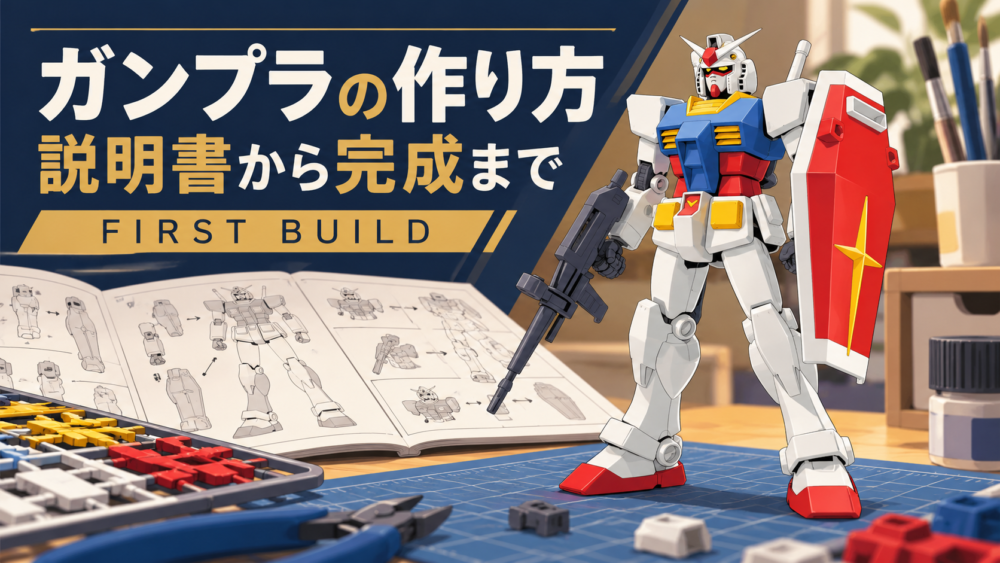
日本語:ガンプラの作り方|初心者向けに説明書の見方から素組み完成まで
Disclosure: This article contains affiliate advertisements. As an Amazon Associate, this site earns from qualifying purchases. The cover is an AI-assisted illustration created for this site.
The core of building Gunpla is identifying a part in the manual, removing only what you need, checking its orientation and fitting it into place. Working one stage at a time makes similar left and right parts easier to distinguish than removing everything from every runner at once. This guide introduces a straight build: assembly without adding a separate painting or gluing process.
Your individual kit’s instructions take priority. A tool-free EG and a kit that requires nippers do not have identical removal methods. Keep the correct manual beside the model.
1. Check the box and prepare the work area
Use a stable, well-lit surface. Match the supplied runners, stickers and other contents against the manual’s inventory. A runner is the frame carrying the moulded parts. Check that small or clear pieces have not dropped from a bag as you open it.
A small tray can help contain loose parts, but a suitable container you already own is sufficient. Clear food and drinks from the immediate work area and make cutting debris easy to collect afterwards.
2. Read the runner letter and part number together
A label such as A7 normally identifies part 7 on runner A. B7 may look similar but be a different piece. Match both the letter and number rather than relying only on the shape. The diagram below is an original teaching schematic, not a reproduction of a particular kit’s runner layout.
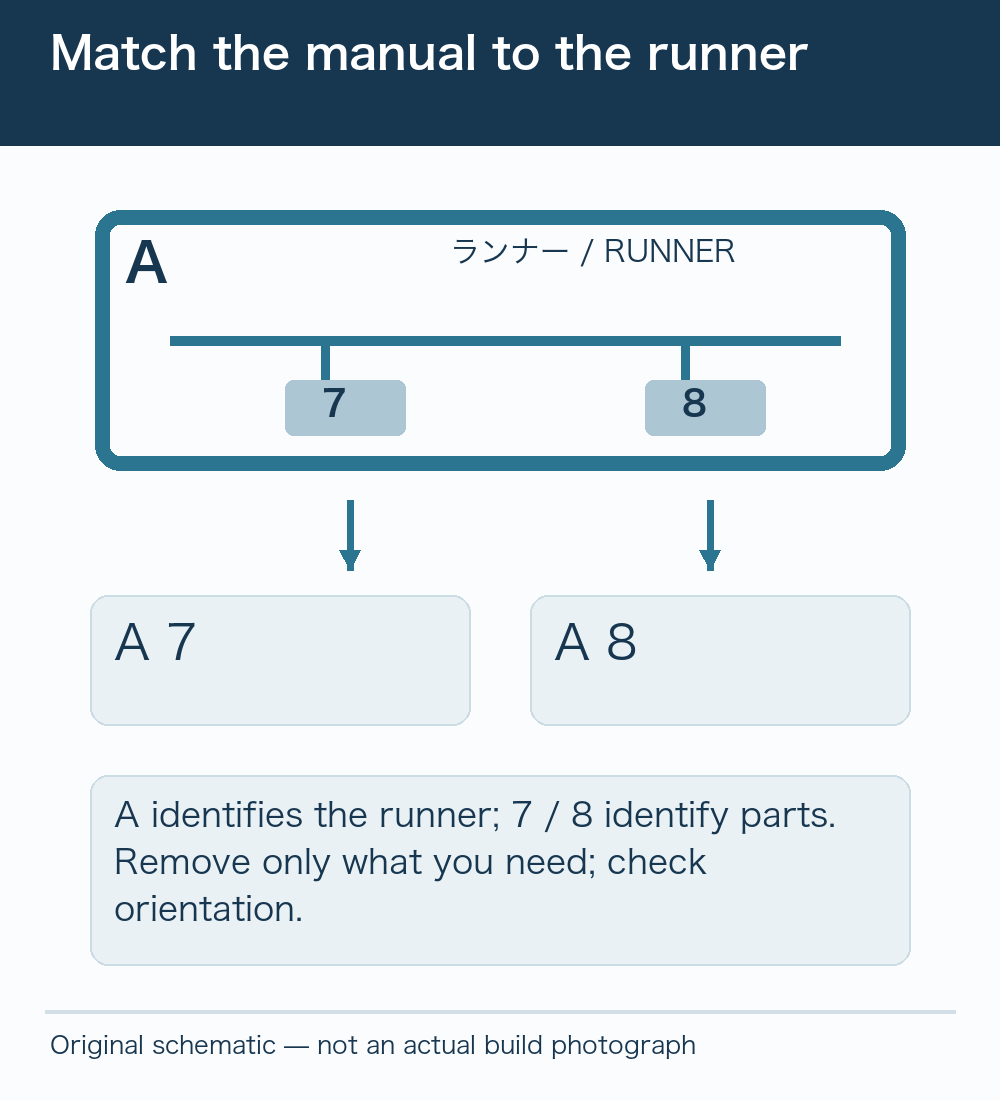
Check the manual’s legend for its own arrows and symbols. It may ask you to repeat a step, assemble the opposite side, leave a joint unglued or insert another piece first. A general tutorial cannot replace those individual instructions.
3. Remove parts for the current stage
If your kit requires nippers, check the tool’s limits and supported materials. Support the part and avoid crushing straight into its finished surface. A two-stage removal method leaves some gate material on the first cut, then trims the remaining nub. Our nub-removal guide explains that distinction.
For a touch-gate product, follow the removal method in its manual. Do not assume that twisting is suitable for every runner. Keep cutting edges and loose pieces directed away from your face and watch where your fingers support the part.
A model nipper option, if your kit requires one
Tamiya’s 74035 sharp-pointed side cutter is intended for cutting plastic-model gates. There is no need to replace a suitable tool you already own. Check the manufacturer’s material and capacity guidance rather than treating it as a cutter for metal wire or oversized runner sections.
4. Check orientation before pressing parts together
Look for the matching pin, socket, recess and front/back shape. Turn the piece to match the manual before joining it. Keep left and right assemblies separated while working, particularly when they are almost mirror images.
If something will not fit, stop before applying more force. Recheck the part number, orientation, remaining gate material and whether another component belongs inside first. Preventing an incorrect connection is usually preferable to forcing a completed assembly apart.
5. Apply stickers and inspect the finished model
Use the sticker number and positioning diagram. Some products, including HG Aerial, use stickers on the inner side of transparent parts, so the visually obvious outer surface may be wrong. Remove one sticker at a time and avoid handling its adhesive more than necessary.
When the basic model is complete, check for gaps, loosely seated parts and remaining weapons or accessories. Unused parts may be specified in the manual; leftovers alone do not prove a mistake. Gently check the intended directions of joint movement before continuing to posing and display.
Frequently asked questions
Should I remove all the parts first?
For a first build, removing only the pieces needed for the current stage is easier to manage. On many kits, the identification number remains on the runner after the part is removed.
What if I lose the manual?
Use the manufacturer’s manual search to identify the correct product. Do not substitute instructions for a similar mobile suit or a different version. Consult the manufacturer’s support information for missing or damaged parts.
More guides for building and displaying Gunpla
- Best First Gunpla: How to Choose Between EG and HG
- Gunpla Nub Removal: Two Cuts, Sanding and Stress Marks
- How to Pose Gunpla: Natural Stances and Supported Action Poses
- Gunpla Display Cases: Measure the Kit, Weapons and Base First
- No Room for Gunpla? Small-Space Displays and Rotation Storage



Comments